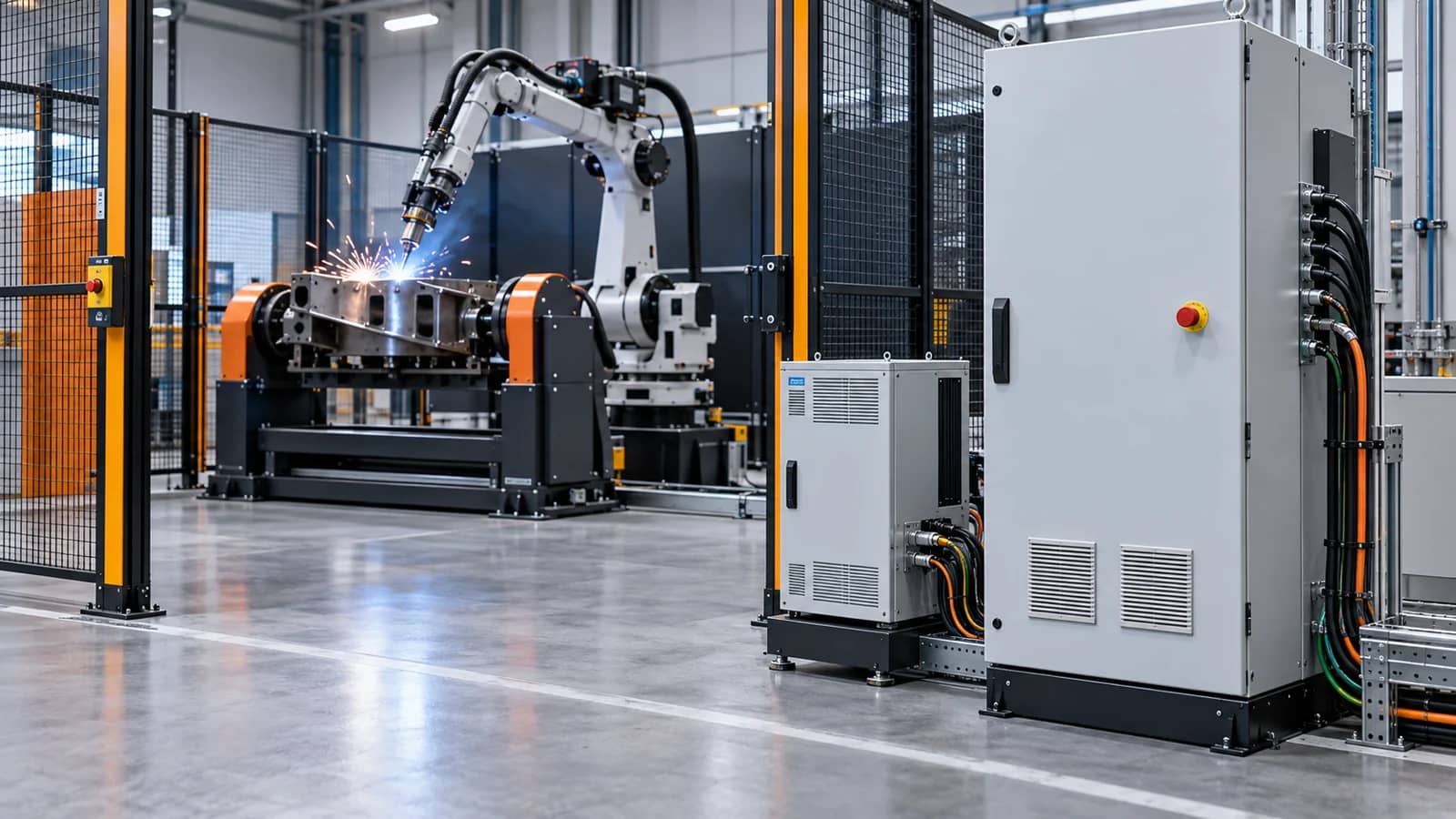
Five questions before calling a controller compatible
Answer from the selected controller release and actual peripheral package, not from a product-family name.
- Identity
- Robot, controller, software, options and revision.
- Motion
- External axes, kinematics and calibration ownership.
- Interfaces
- Welding source, sensing, I/O and plant handoff.
- Safety
- Safe fieldbus, stop behavior and validation boundary.
- Recovery
- Backup, access, restore, restart and FAT proof.
Do not call a controller compatible because it has an Ethernet port or because another installation used a similar robot. Confirm the exact controller, software, licensed options, devices, safety architecture and recovery behavior against current manufacturer documentation and the released cell design.
Compatibility begins with an exact controller identity
Capture the robot model, controller family, software or firmware revision, installed option packages, pendant or engineering-tool version and the configuration file used for the project. The same robot family can expose different capabilities when controller hardware, release level or options differ. A procurement line reading only ‘robot controller’ leaves too much undefined.
Use the current manufacturer manual for the exact release as the compatibility authority. The checklist is deliberately vendor-neutral: it gives buyers a way to ask the right questions without implying TubeFrame has authorization, a universal license library or pre-approved support for a named configuration.
Further reading: ABB — SafeMove controller safety ↗
Compatibility is a matrix, not a yes/no label
Exact hardware, software and options.
Named device, method, data and owner.
Safe state and validation are separately defined.
Backup and restart behavior are witnessed.
Map every process and plant interface by method and owner
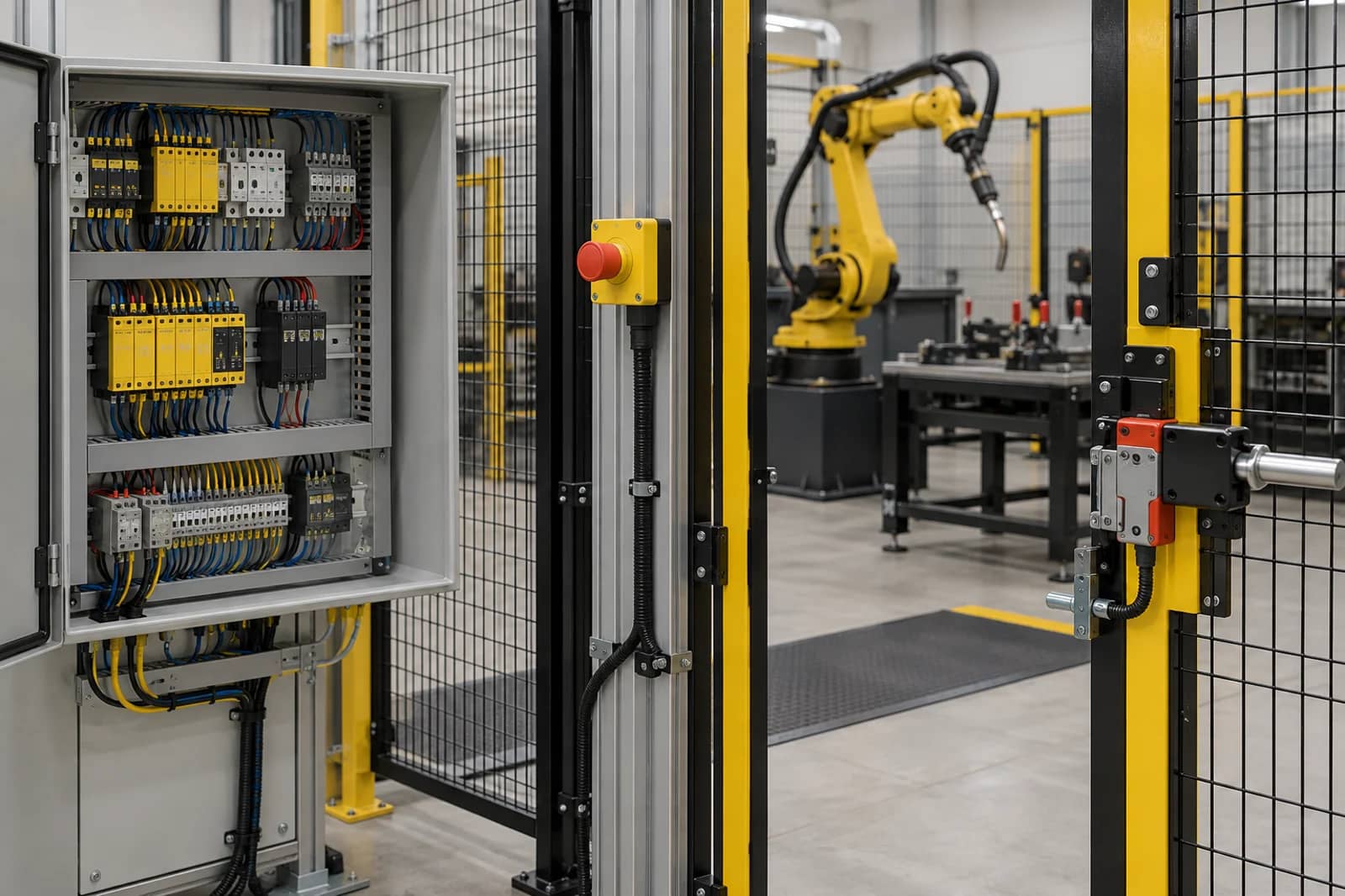
List the welding source, wire feeder, torch service equipment, sensors, positioner drives, standard I/O, PLC or MES handoff, and any remote-access boundary. For each, record the physical connection, protocol or signal method, data direction, expected state, configuration owner and evidence. ‘Fieldbus included’ does not identify the device file, option, timing, data mapping or commissioning responsibility.
External axes deserve their own row because their drive, feedback and kinematic configuration may be distinct from a robot’s native joints. The MotionPlus documentation, for example, separates controller targets from lower-level EtherCAT communication. Use that as a reminder to separate motion responsibility from hardware-interface responsibility in any selected platform.
Further reading: Universal Robots — MotionPlus external-axis architecture ↗
Treat safety communication as a separate design decision
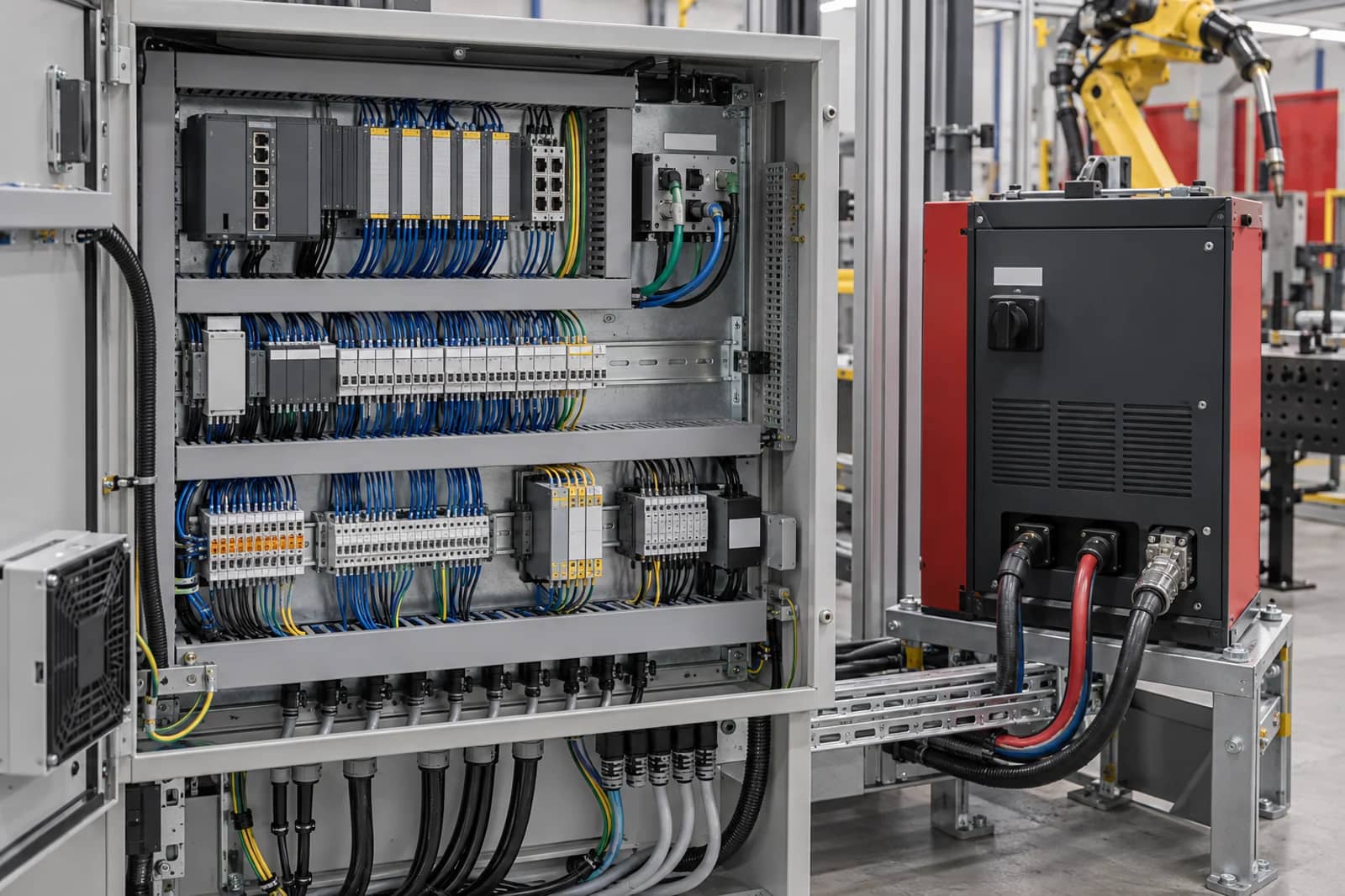
Standard I/O and a safety-related interface do not have the same purpose. ABB’s SafeMove material describes controller-family safety functions and safe-fieldbus connectivity, while its application manual states that safe I/O communication with the safety module needs a safe fieldbus. The selected controller manual and the cell’s safety design determine what is applicable.
Define the guarding, interlocks, stop categories, safe-state behavior, reset authority and validation deliverable with the responsible safety party. This guide does not replace risk assessment, regulatory review or safety validation. Its value is preventing a commercial scope from leaving a safety interface unnamed.
Further reading: ABB — SafeMove controller safety ↗ · ABB — Functional safety and SafeMove application manual ↗
From selected controller to proven interface package
Model, release and options
Motion, process, I/O and data
Safety and recovery ownership
Current documentation and controlled files
FAT behavior and open-item disposition
Make backup, access and recovery part of the FAT
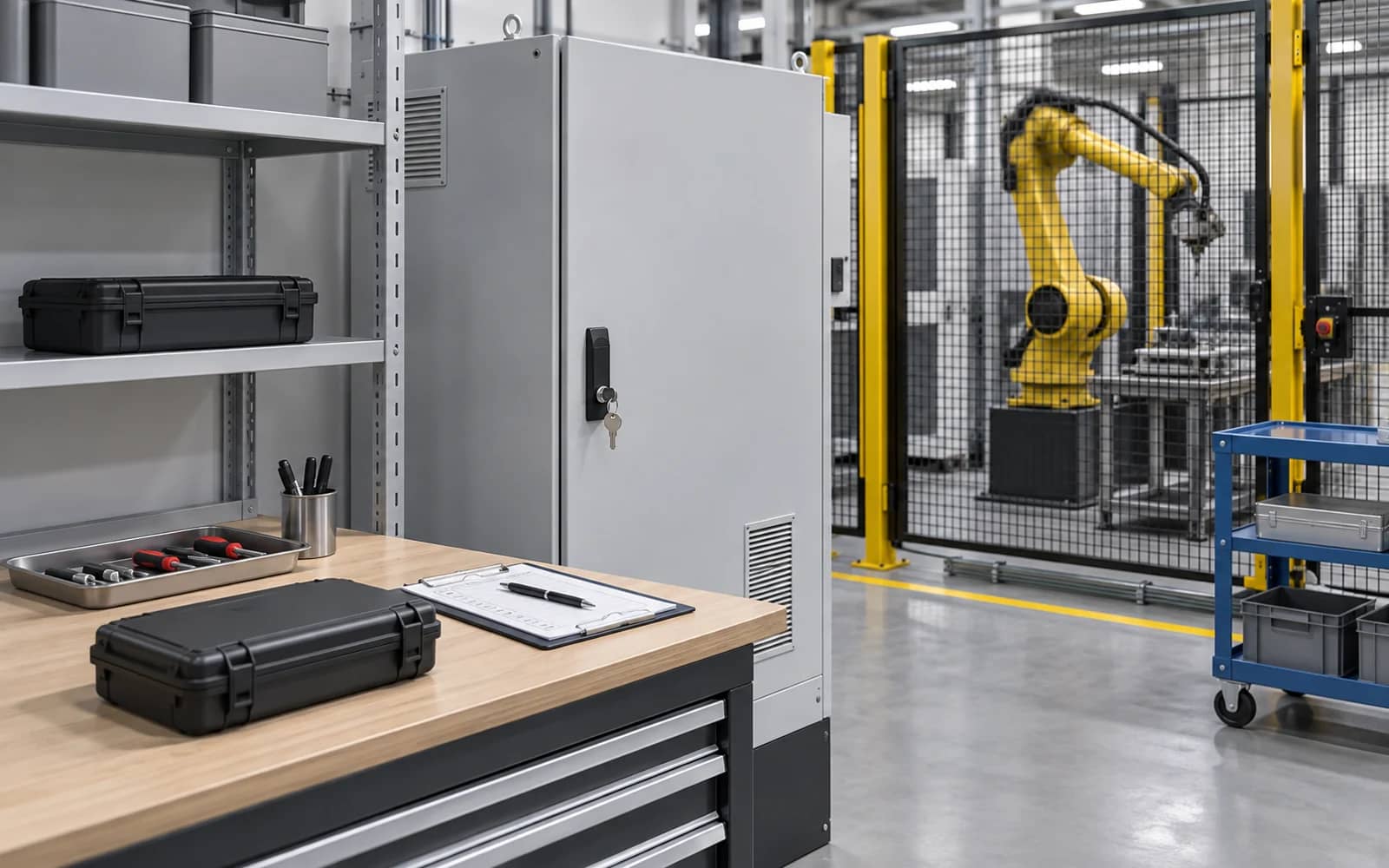
A compatible system should have a controlled way to identify its released configuration, limit access, create a backup, restore it, re-establish required references and return to a defined operating state. ABB’s secure-operation guidance recommends protected controller environments, access control and separation from general-purpose networks; its exact methods are not automatically transferable to every controller, but the ownership question is universal.
Witness the agreed restore or recovery path at an appropriate project stage, with a clear boundary for what is safe to simulate. Record what was tested, which versions were used, which conditions require inspection, and who approves return to automatic operation. A backup file without a restore procedure is not a complete recovery plan.
Further reading: ABB — secure operation for industrial control systems ↗
Robot controller compatibility checklist
Use one row per actual interface. Confirm its selected version and owner before calling the cell ready for FAT.
Copy the rows into your RFQ or investment worksheet.
| Interface | Confirm | Do not assume | Evidence / owner |
|---|---|---|---|
| Controller identity | Robot, controller, software, options and revision | A family name defines installed capability | Current configuration record |
| External axes | Axis count, drive, feedback, kinematics and calibration | Any positioner is native to the controller | Motion file and integrator |
| Welding package | Source, feeder, torch service and required signals | A physical connector proves process control | Interface map and process owner |
| Sensing | Sensor type, power, data, timing and exception response | One port supports every sensor | Selected sensor manual and owner |
| Standard I/O | Signals, voltage, mapping, timing and handshake | ‘I/O included’ defines mappings | I/O list and commissioning owner |
| Safety I/O | Architecture, safe fieldbus or hardwired method, safe state | Standard I/O is a safety interface | Safety design and validator |
| Plant handoff | PLC/MES boundary, data, rate and access | Network connection is an approved handoff | Data map and plant owner |
| Access control | Users, roles, remote route and protected environment | Any service laptop can connect | Access procedure and owner |
| Backup and restore | Configuration archive, restore sequence and reference checks | A saved file is a recovery plan | Witnessed recovery record |
| FAT evidence | Configured behavior, exceptions, versions and open items | A demo proves every interface | FAT protocol and disposition |
Frequently asked questions
What does robot controller compatibility mean?
It means the exact selected controller release and options are confirmed with the selected robot, peripherals, interfaces, safety design and recovery requirements. It is not a generic brand-to-brand promise.
Does Ethernet make a welding device compatible?
No. Confirm the actual controller option, physical connection, protocol, data mapping, timing, ownership, safe behavior and acceptance test for the selected device.
Are standard I/O and safety I/O interchangeable?
No. They serve different functions. The selected controller documentation and project safety design must define the required architecture, safe state and validation responsibility.
What must be included in a controller recovery plan?
Identify the released configuration, access control, backup, restore sequence, reference checks, exception inspections and the person authorized to return the cell to automatic operation.
Original sources and project boundary
Turn controller questions into a reviewable integration scope
Share the robot and controller identification, preferred peripherals, external axes, plant handoff requirements, safety boundary, layout and acceptance target. We can organize the unknown interfaces before a project-specific proposal.
Discuss controller interfaces ↗