Freeze the cell and part baseline
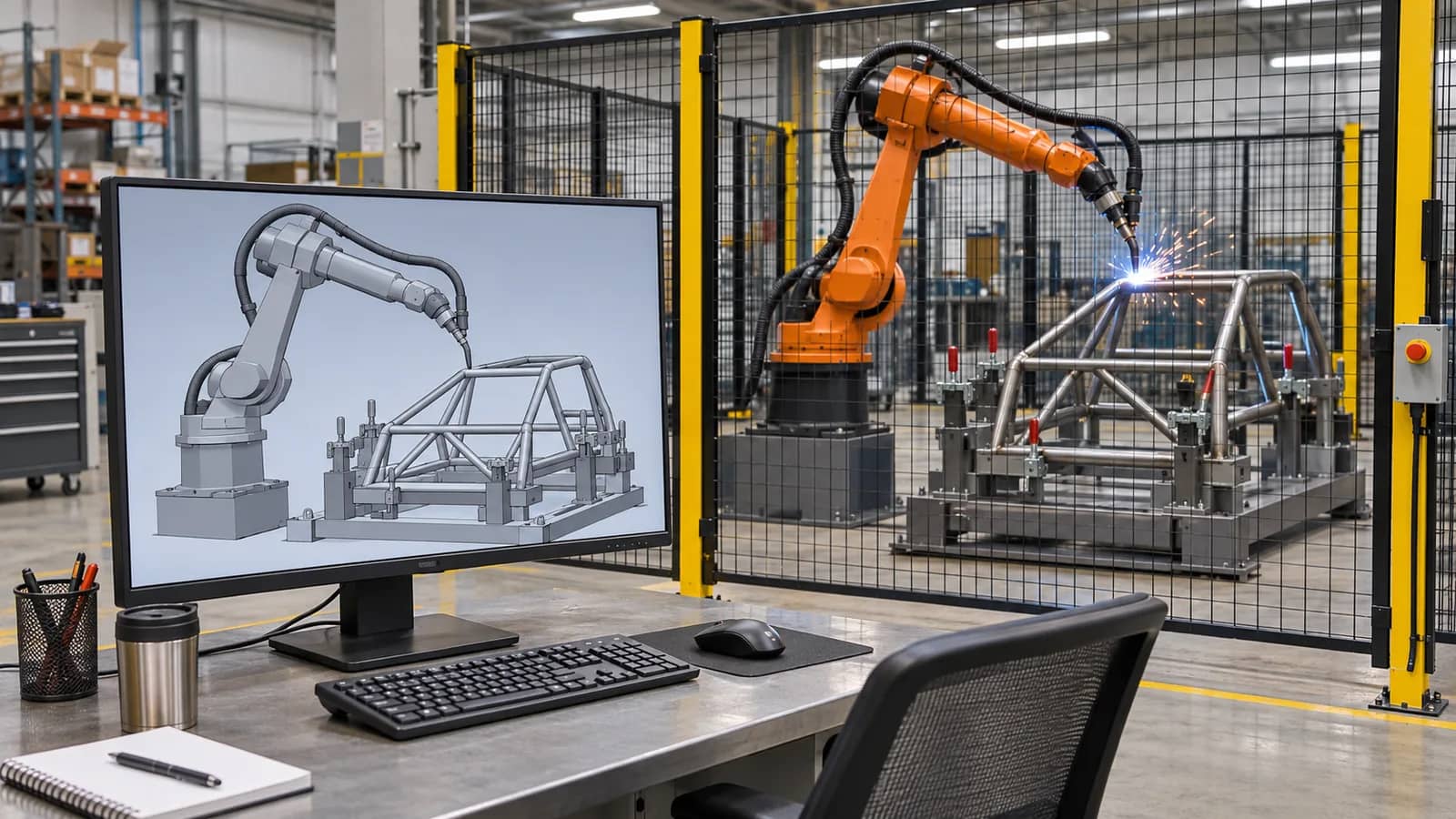
Start with one part family and a revision manifest. Ask for the manufacturing CAD and the drawing that controls joint location and acceptance. Record part seating, clamp states, tack locations and assembly variation. A nominal joint drawn in CAD can occupy a different location once the frame is clamped. Ask the fixture designer to identify which datums and clamp conditions the program may assume.
Record robot and controller variants, firmware, application options and the simulation release. Include the mounted torch, guard openings, clamp travel and auxiliary equipment in the geometry review. Mark modeled obstructions and omitted items separately. If cables are represented only by a clearance envelope, record the envelope and plan an installed check in the limiting poses.
Further reading: ABB RobotStudio operating manual, station and controller workflow ↗
Three separate acceptance records
Model revision, collision pairs and unresolved geometry.
Import or compile log, options and mapped recipe calls.
Calibration, observed motion, first-piece result and release record.
Tie the digital path to physical references
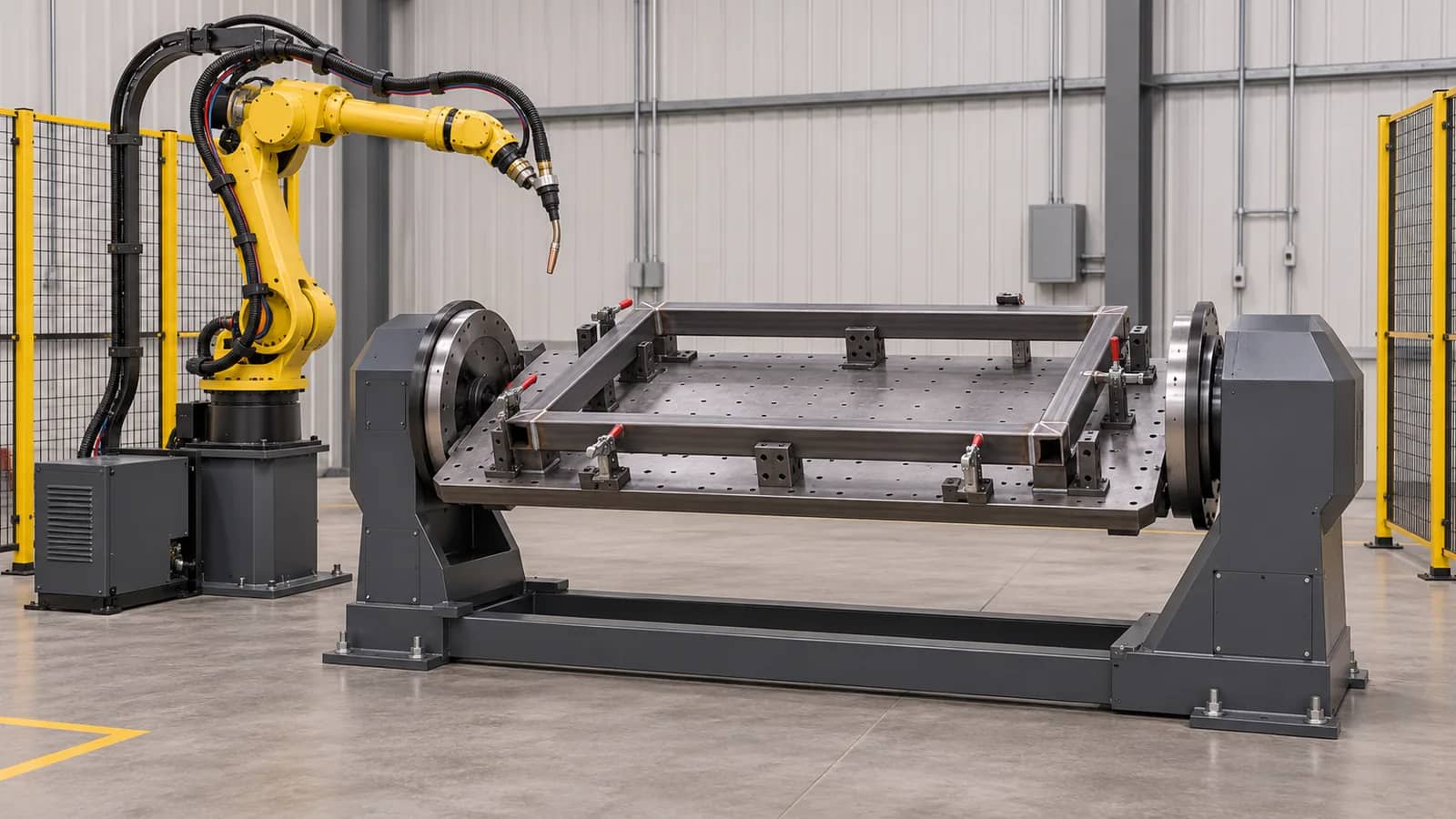
The tool center point (TCP) identifies the working point and orientation of the fitted torch. A work frame locates weld targets relative to the part or fixture. Record their identifiers, orientation conventions, reference features and who will check them at installation. A changed neck, mount or fixture location can invalidate an otherwise unchanged program. Keep the calibration record with the installed configuration.
For a positioner or track, document axis grouping, zero references, limits and whether motion is coordinated or indexed. Request a review of the entire route from approach to retreat, including reorientation, cleaning, clamp clearance, wrist configuration and recovery position. Relate any unresolved path constraint to the exact joint, fixture state and pose.
Further reading: Yaskawa Motoman, robotic welding concepts and TCP ↗
Prove the exported job and its dependencies
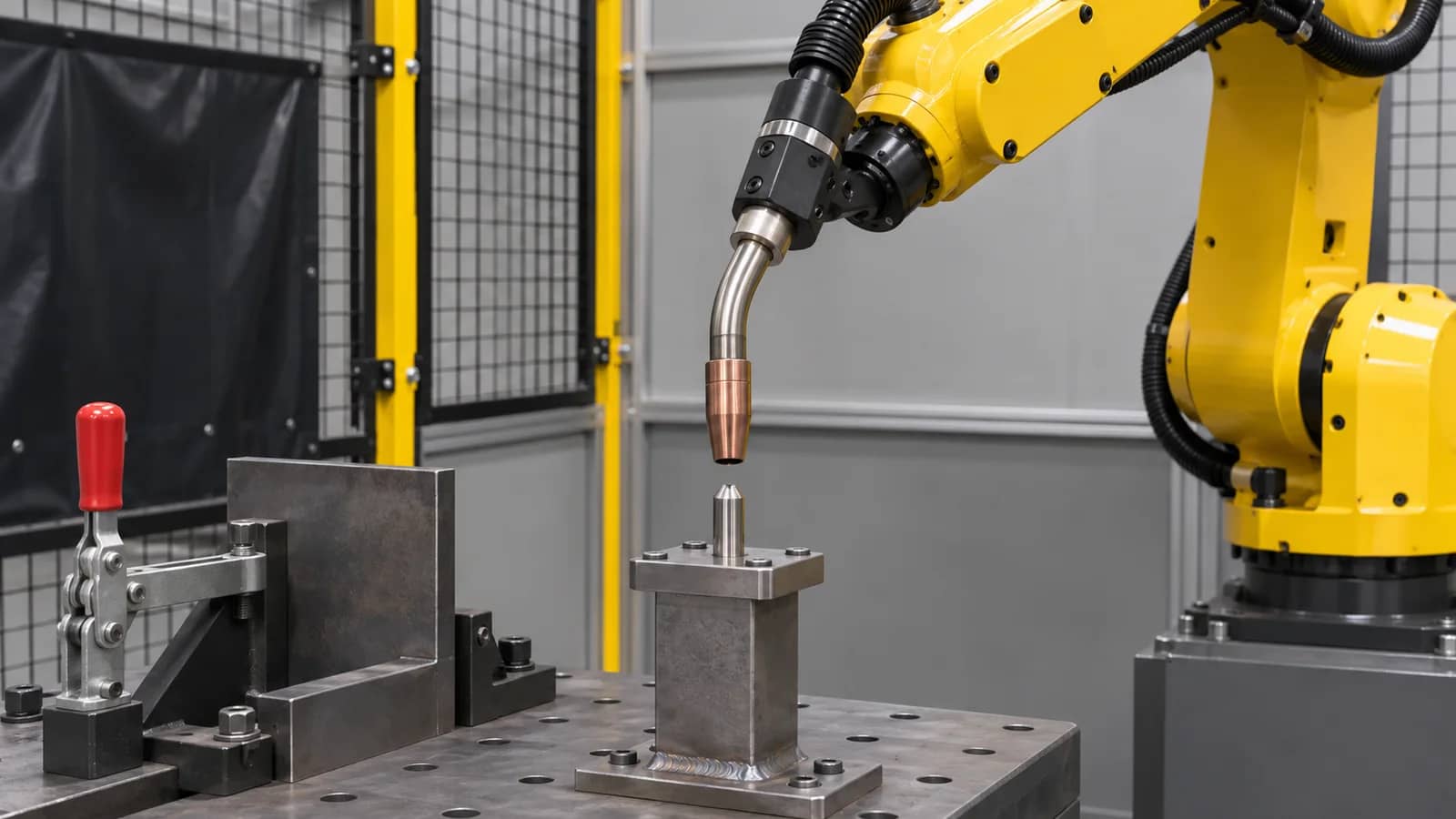
A postprocessor translates simulated instructions into files for a controller environment. Ask the integrator to identify its version and provide the exported job plus the instructions, frames, recipe calls and controller options it depends on. A test import or compilation should name the target controller configuration and log any unsupported commands, warnings or conversions. Agree who supplies licenses and who can regenerate the job later.
Map each weld ID to the approved process schedule and the station state that permits it. List signals for part present, clamped, positioner in state and welding equipment ready, plus the response to interruption and restart. Simulated I/O may be an assumption. Have the controls owner distinguish emulated states from hardware signals witnessed during commissioning.
Further reading: RoboDK, postprocessors and controller options ↗
From input freeze to job release
Match part, fixture and controller revisions.
Review frames, joint path and clearance.
Validate job format and dependencies.
Calibrate, witness trials and inspect the part.
Record changes and prove recovery.
Release the installed job with a recovery package
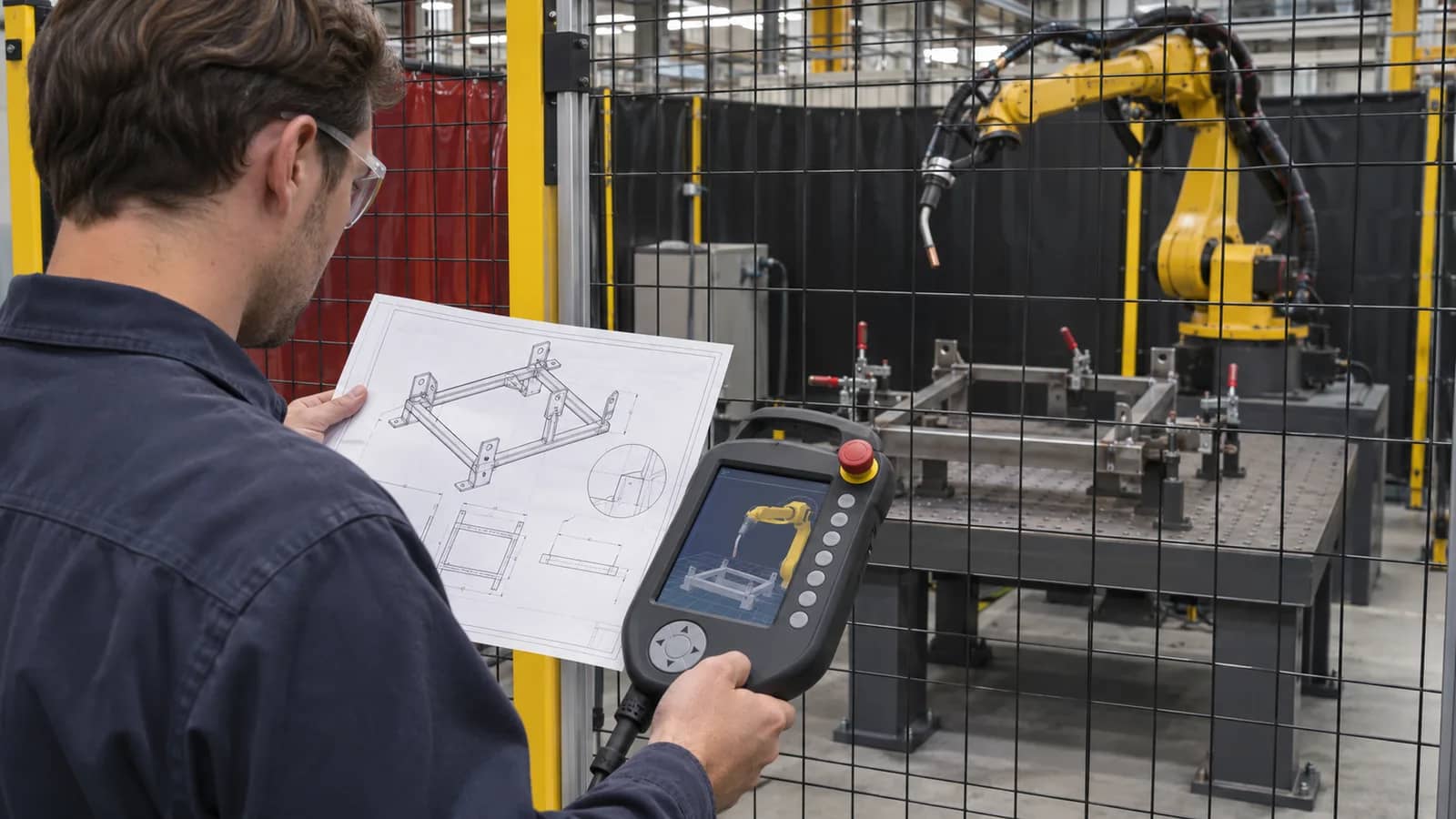
Use the site's approved commissioning procedure to verify alignment, clearances and state transitions on the actual cell. Run the agreed first-piece checks against drawing and process criteria. Record any site touch-up against its weld ID and cause. A frame correction, a changed torch angle and a change to the welding recipe have different downstream checks and approval owners.
At handover, retain the editable project or explicitly agreed source access, the released controller files, settings, linked recipes, calibration record and change log. State whether changes were reconciled into the editable model. Identify a restore owner and agree a safe verification method before relying on the backup for recovery or the next part variant.
Offline programming input and ownership matrix
Assign a named owner, revision and acceptance date to each row in your request for quotation.
Copy the rows into your RFQ or investment worksheet.
| Interface | Confirm before quotation | Proposed owner | Evidence to request |
|---|---|---|---|
| Part and welds | CAD, drawing, weld IDs, joint and tolerance. | Buyer engineering | Approved drawing and weld map. |
| Fixture | Datums, clamp states and part variation. | Tooling supplier | Revision and seating trial. |
| Controller | Model, software, options and licenses. | Robot supplier | Target configuration manifest. |
| TCP and frames | Tool ID, orientation and reference features. | Integrator | Site calibration record. |
| External axes | Zero, limits and coordinated or indexed motion. | Motion integrator | Axis configuration and observed test. |
| Hose and clearance | Torch, dress pack, clamps and reamer envelope. | Mechanical integrator | Critical pose list and site check. |
| Process schedules | Approved recipe per weld ID. | Welding engineer | Recipe map and part inspection. |
| Cell signals | Ready, fault, stop and restart behavior. | Controls integrator | Observed signal and recovery tests. |
| Export | Postprocessor version and file set. | Programmer | Import or compile result on named target. |
| Site motion | Installed path and permitted test sequence. | Commissioning lead | Witnessed checks with exceptions closed. |
| First piece | Drawing and process acceptance criteria. | Buyer quality | Signed result and job revision. |
| Handover | Source access, released files and restore scope. | Integrator and maintenance | Backup inventory and restore verification. |
Questions before specifying the scope
Is CAD enough to quote offline programming?
It supports a preliminary scope. Add physical datums, process inputs and the target controller before agreeing final deliverables.
Which TCP should the model use?
Use the identified torch setup and its agreed working reference. Check the fitted configuration during commissioning.
Does the postprocessor prove compatibility?
Require a test on the named controller environment with the needed options, job files, signals and recipes.
When should the path be checked again?
Recheck affected poses and process criteria when part, fixture, torch, frames, controller or external axes change.
What should the buyer keep?
Keep the released files, source access terms, recipe map, measured references and documented restore route.
References and further reading
Prepare the programming scope
Share part CAD, fixture and robot details, weld requirements and the acceptance split you need. TubeFrame can coordinate the configuration and quotation review for the project.
Discuss your welding cell ↗