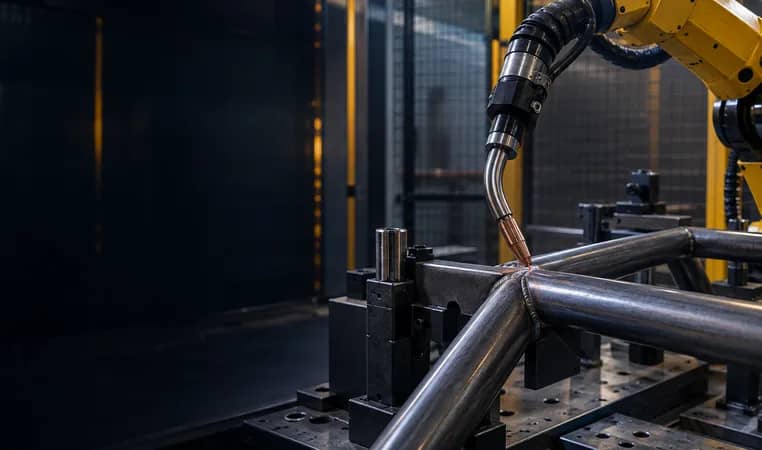
Five questions before selecting a sensing method
Answer from representative parts and the intended process, then validate the selected package.
- When
- Before arc, during weld or after heating.
- What
- Start, end, direction, gap, lateral or height.
- Joint and process
- Conductivity, geometry and compatibility.
- Cycle and access
- Search time, points and torch clearance.
- Response
- Range, hold, recovery and restart authority.
Do not buy a label called seam tracking without defining whether the job is pre-weld seam finding, in-weld correction or both. Validate with the actual joint and exception states.
Difference
Touch sensing locates conductive features before welding so a programmed path can be offset. Seam tracking corrects path during welding through a compatible selected method. Fronius distinguishes those timings; confirm the actual package rather than treating the terms as interchangeable.
- Use a named variation and required response.
- Keep fixture-state confirmation separate from geometry.
Further reading: Fronius — Assistance systems for robot welding ↗ · ABB — WeldGuide IV through-the-arc tracking ↗
Selection model: match sensing to the deviation
Pre-weld location of conductive features.
Correction during compatible welding motion.
Loading and clamp state are separate.
Stop when variation exceeds the agreed range.
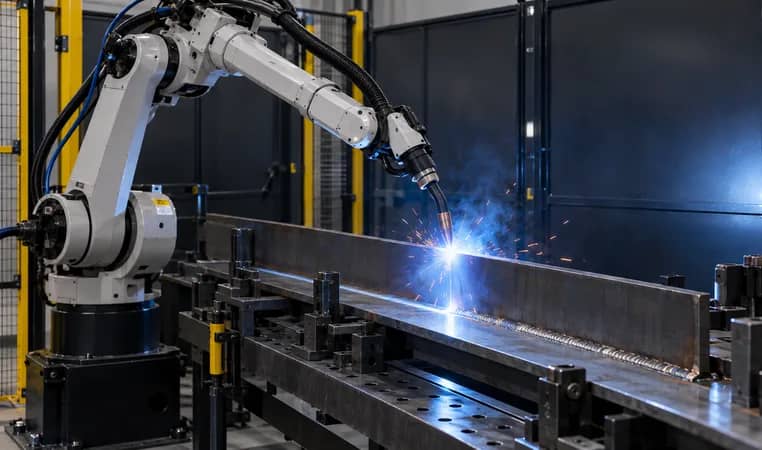
Choose
Choose by the deviation: stable parts with shifted starts are a pre-weld location question; variation that develops during travel is an in-weld correction question. Missing parts or incorrect clamp state are fixture/control-state questions.
- Use a named variation and required response.
- Keep fixture-state confirmation separate from geometry.
Further reading: Yaskawa — Arc welding sensing and tracking functions ↗
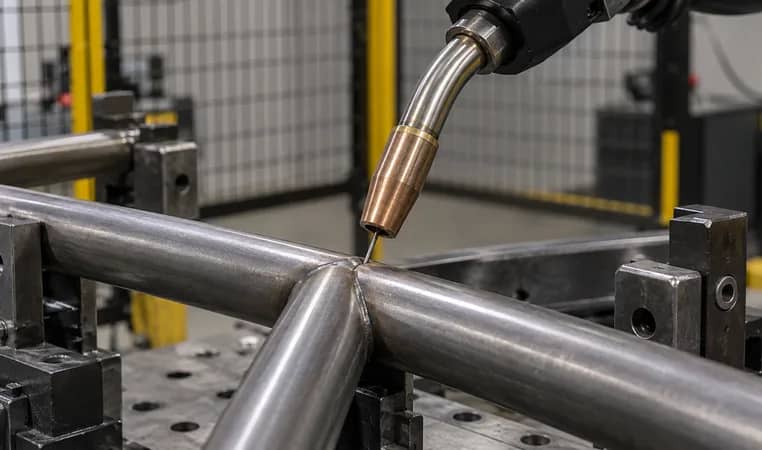
Trial
Use representative material, surface, fixture state and production sequence. Define nominal, permitted and out-of-range conditions, then witness the expected offset, correction, hold, alarm or recovery. A generic demonstration is not a quality promise.
- Use a named variation and required response.
- Keep fixture-state confirmation separate from geometry.
Further reading: ABB — WeldGuide IV through-the-arc tracking ↗
From variation to a validated sensing choice
Define deviation and timing
Pre-weld, in-weld or fixture state
Match joint, process and package
Test normal and exception states
Record scope and change control
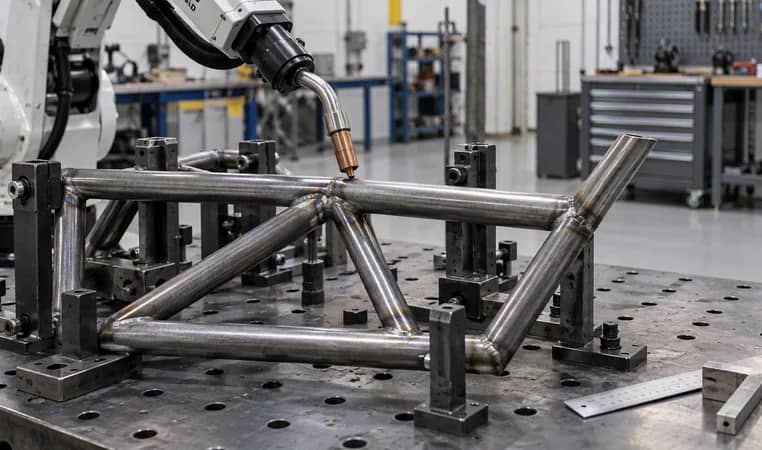
Scope
Name the joint family, robot, controller, power source, torch, fixture state, signals, program responsibility, trial parts and acceptance record. Request defined capability against named variation, not a generic ‘seam tracking’ label.
- Use a named variation and required response.
- Keep fixture-state confirmation separate from geometry.
Further reading: Fronius — Assistance systems for robot welding ↗ · AIsirRobot — Touch, through-arc and vision seam tracking comparison ↗
Touch sensing vs seam tracking selection checklist
Request comparable information; this matrix does not replace a project-specific trial.
Copy the rows into your RFQ or investment worksheet.
| Selection question | Touch / pre-weld | In-weld tracking | Evidence |
|---|---|---|---|
| Timing | Find a feature before arc start | Contact search corrects a new in-weld deviation | Sequence diagram |
| Primary job | Locate named conductive features | A generic search defines every seam | Touch-point map |
| Part condition | Conductive contact condition to confirm | Every surface gives a valid signal | Representative-part trial |
| Joint and process | Shape, access and selected process | Every weld signal supports tracking | Package interface confirmation |
| In-weld behavior | Path follows pre-weld offset | Touch sensing corrects heat movement | Defined boundary in trial plan |
| Tracking input | Supported signal and motion method | A feature label proves compatibility | Power-source/controller record |
| Cycle effect | Search moves, contacts and retracts | Search time is free | Measured trial sequence |
| Fixture state | Loading and clamp confirmation | Geometric sensing proves clamp state | I/O state test |
| Out-of-range | Hold, alarm or defined recovery | The system should guess a safe path | Exception-state test |
| Acceptance | Response to named variation | A generic demo is acceptance | Witnessed representative parts |
Frequently asked questions
What is the difference between touch sensing and seam tracking?
Touch sensing finds workpiece features before welding so a programmed path can be offset. Seam tracking corrects a path during welding with a compatible selected method.
Can touch sensing correct distortion during welding?
No. It establishes location before arc start. Evaluate a compatible in-weld method when the observed deviation develops during welding.
Does seam tracking replace a fixture?
No. It can address defined variation but does not replace loading, clamping, joint preparation, safety controls or acceptance.
What is needed to select sensing?
Provide drawings and samples, material and surface, fixture, observed variation, process, sequence, preferred package, cycle constraints and acceptance evidence.
Original sources and project boundary
Choose sensing from the real joint variation
Share the weld map, representative parts, fixture concept, observed variation and preferred robot or welding package. We can help organize the pre-weld location, in-weld correction and validation inputs for a project-specific discussion.
Discuss welding sensing ↗