Custom Robot Systems Start with the Application
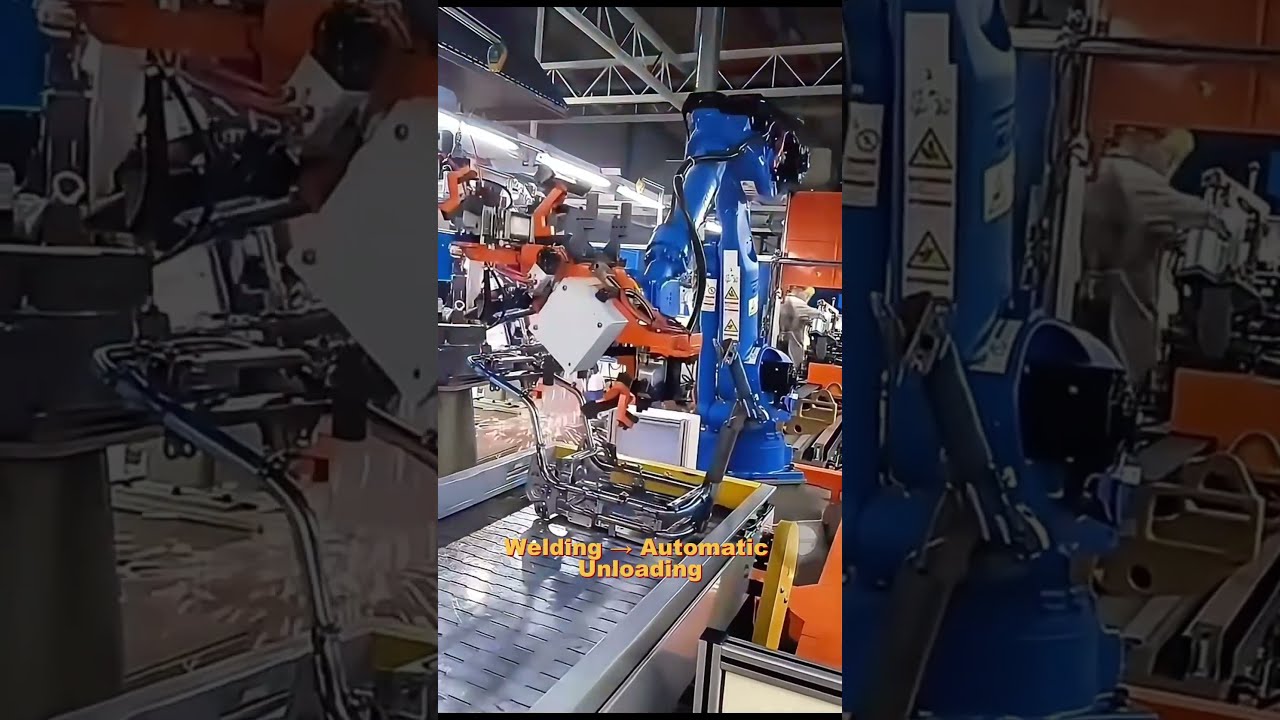
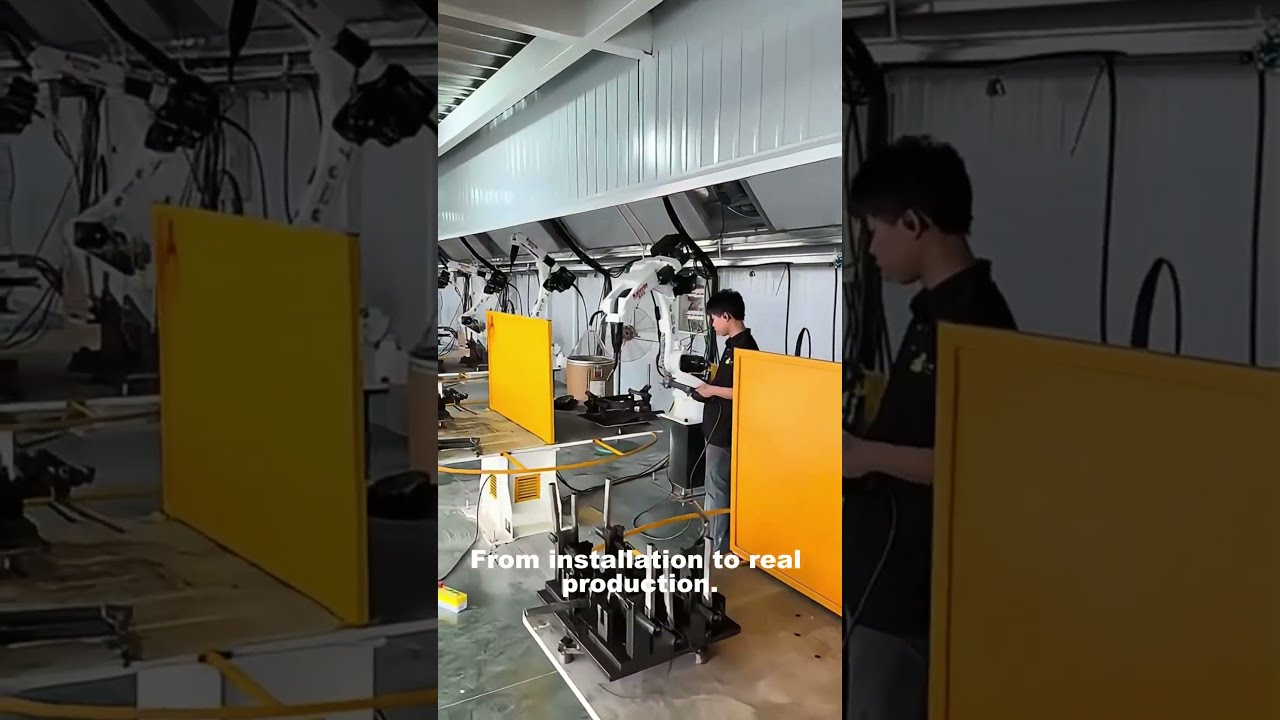
The best first question for a robot project is not “Which model do you sell?” It is “What must this workpiece do, at what quality and output?” In this short, TubeFrame Automation introduces its application-first route to custom robot systems, OEM programs, robotic welding, automation components and integration. The video is a starting point for manufacturers, equipment builders and distributors who need to decide whether they are buying a standard robot, a configured cell, a custom component or a branded program. The page below turns that choice into a useful project brief, without treating an illustrative capability video as proof of a specific machine or delivered customer project.
Source: TubeFrame Automation YouTube channel ·
At a glance
- The video introduces TubeFrame Automation’s workpiece-led approach to robot-system configuration.
- A project can involve a standard platform, custom tooling, robotic welding, OEM presentation or integration support.
- Workpiece, process, output and site constraints determine the right scope before a model is shortlisted.
- Use the related configuration paths, then send the inputs needed for a project-specific proposal.
How do you configure a custom industrial robot system?
Begin with the workpiece, required process, target output and plant constraints. Those inputs determine the robot’s task, then the payload, reach, tooling, controller, process equipment, safety and integration interfaces. TubeFrame Automation can review a complete system, an individual component or an OEM program; the final configuration and delivery responsibility are set by the project scope.
Start with the job the robot must complete
A part drawing or sample reveals geometry, material, weight and allowable handling points. The process adds tool access, force or weld requirements, accuracy and inspection needs. Output targets, batch mix and site constraints then shape the cell layout and economic case. Only after that can a robot platform be compared fairly.
The complete-system route depends on how much tooling, process equipment and control integration the buyer needs. For welding, include torch, fixture, positioner, power source and safety decisions.
Choose the commercial route that fits the scope
Some buyers need one robot or component. Others need tooling, controller interfaces, programming and integration coordinated as a single package. OEM/private-label work adds brand presentation and documentation questions, with feasibility shaped by trademark, engineering, certification, market and volume requirements.
A useful first inquiry can be brief. Send what the part is, what the current process does, where the system will run and what result is required. TubeFrame can then identify whether model selection, custom fabrication, system integration or an OEM review is the right next conversation.
Technical inputs for a custom configuration
These inputs let a supplier compare feasible solutions. No particular machine specification is attributed to the overview video.
- Workpiece
- Drawing or sample, dimensions, material, mass and variation.
- Process
- Weld, handle, assemble or tend; tool access and quality criteria.
- Output
- Required good parts, cycle target, batches and changeovers.
- Robot task
- Payload including tooling, reach, poses and mounting envelope.
- Interfaces
- Controller, I/O, network, adjacent equipment and site utilities.
- Delivery scope
- Tooling, safety, testing, installation, training and destination.
Standard robot or configured system?
A standard robot can be the correct answer. The decision is whether the buyer also needs the application equipment and integration boundary defined.
| For your project | Robot platform purchase | Application-led system |
|---|---|---|
| Starting input | Preferred model and basic duty | Workpiece, process, output and site needs |
| Included scope | Robot/controller package as quoted | Robot plus required tooling, process and interfaces |
| Validation | Model and compatibility checks | Application tests, interfaces and acceptance criteria |
| Buyer fit | Team can engineer the rest of the cell | Team needs a coordinated configuration or delivery scope |
From workpiece to a quotation-ready scope
The video’s application-first message becomes a practical sequence for a new buyer conversation.
- 01Share the workpiece
- 02Define the process and output
- 03Compare robot and tooling routes
- 04Set interfaces and responsibility
- 05Agree validation and quote scope
Questions buyers ask
What makes a robot system custom?
Customization can involve tooling, process equipment, mounting, controls, peripherals, documentation or OEM presentation. The necessary changes depend on the workpiece and commercial program.
Can I request only a component or a standard robot?
Yes. A request may cover one robot, controller, EOAT, fixture or fabricated component, or a complete system. State what you already own and what the supplier should provide.
How do you choose the robot model?
Review the complete moving mass, required poses and reach, cycle, environment, controller interfaces and process tool. Compare viable models only after these inputs are defined.
Is OEM/private-label presentation available?
It can be reviewed for suitable programs. Branding, nameplates, manuals, packaging and any regulated product changes need engineering, trademark, market and commercial approval.
What should I send for a first quotation discussion?
Send a drawing, photo or sample plus the current process, desired output, installation country and what you expect TubeFrame to supply. A budget or target date can help frame options but is not required to start.
Describe the application. Then choose the robot.
Share the part, process and production target. We can map the platform, tooling, OEM or integration questions into a focused quotation scope.
More videos
Technical references
Schema.org: VideoObjectGoogle Search Central: Video structured data